
Watch once, reuse forever
On loving video, falling down two rabbit holes, and building a tool that turns how-to videos into skills an AI agent can run.

The third time I scrubbed back through the same conference talk, I noticed what I was doing. Thumb on the progress bar, eyes on the thumbnails, hunting for the ninety seconds where the speaker types the command that makes everything work. I had watched this talk before. I’d nodded along, taken exactly zero notes, and moved on with my life. And there I was weeks later, mining the timeline like I’d never seen it.
I learn best from video. I always have. Documentation lists what a tool does. A video shows you someone actually using it: the screen, the hesitations, the little detours, the moment they hit an error and fix it live. That texture is the difference between knowing a workflow exists and knowing what it feels like to run one. And right now, video is where the interesting knowledge lives. The people figuring out how to work well with AI coding tools rarely write manuals. They record their screens, give talks, and post fifteen-minute walkthroughs of setups they’ve refined over months.
So my watch-later list keeps growing (a small monument to good intentions), and the ideas inside the videos I do watch fade within a week or two. What made this properly absurd is that I spend my days working with an AI coding assistant that can read almost anything I give it: code, docs, PDFs, entire repositories. The one format it couldn’t touch was the one where practitioners actually teach.
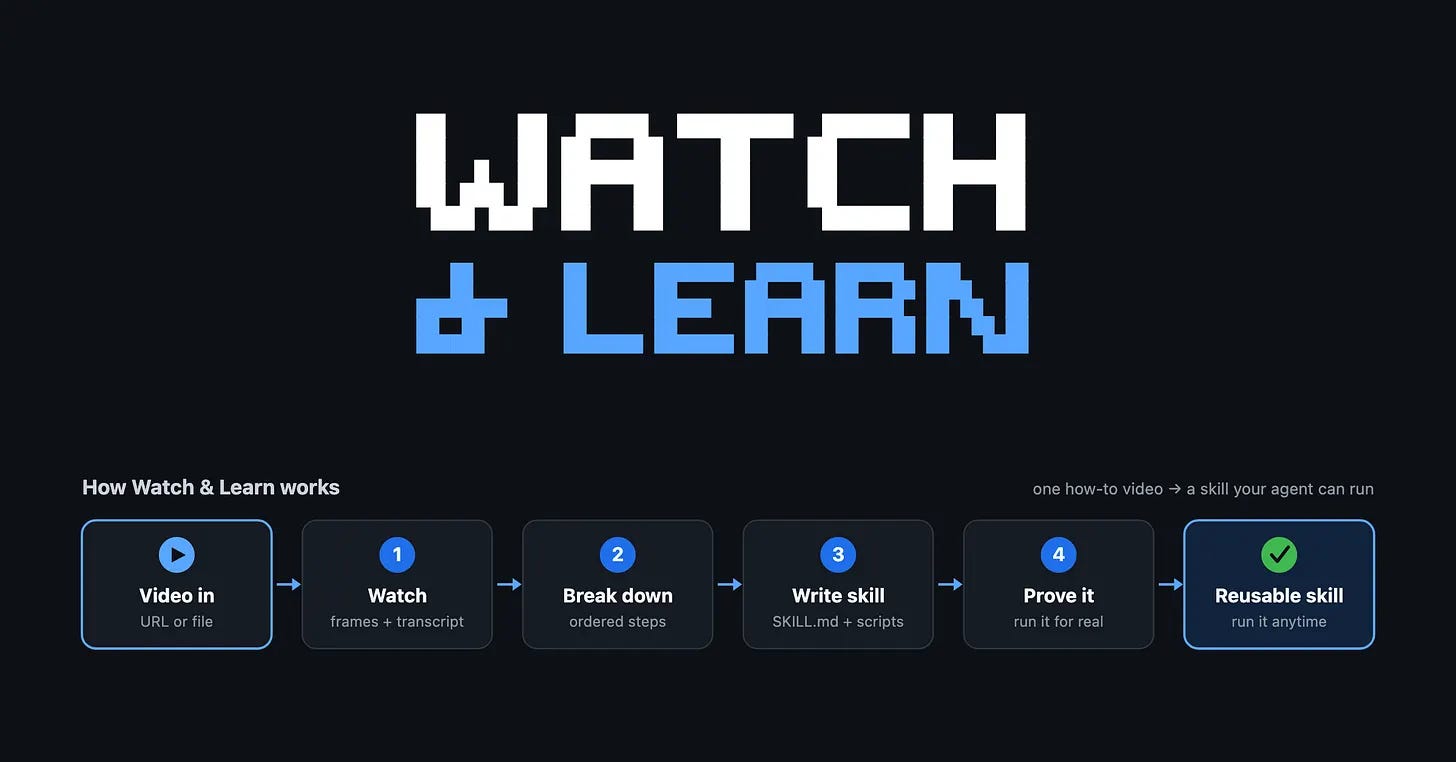
Truth is, once I saw it that way, the project was inevitable. What if watching could persist? Point the assistant at a how-to video and have it produce a skill: a small folder of plain instructions that an AI coding agent reads and follows on its own (Anthropic published the format as an open standard, and several tools now understand it). If the video teaches a repeatable procedure, the skill captures it in a form the machine can run later. Watch once, reuse forever.
That sentence was the easy part. Building it meant falling down two rabbit holes I’d been happily ignoring my whole career.
Teaching a machine to watch
I’d always filed “video processing” under things that require wrestling ffmpeg, the famously powerful, famously cryptic tool most video software is secretly built on. I assumed anyone using my tool would have to install it first, and that I’d spend my evenings debugging their setups. Then I found PyAV, which packages ffmpeg’s actual engine as a Python library. Same machinery, nothing extra to install. The scary dependency I’d been avoiding for years ships as a tidy package now, and I never checked.
Decoding frames turned out to be the boring part. The real puzzle was choosing them. A thirty-minute video is roughly fifty thousand frames, and an AI assistant can realistically look at about twenty images before the cost stops making sense. Twenty frames have to stand in for half an hour. Which twenty?
My first answer was the obvious one: take a frame every ninety seconds. It was terrible. Uniform sampling has no sense of occasion. It happily grabs three identical shots of a talking head and misses the two seconds where the presenter switches to their editor and types the command the whole video exists to teach.
What worked is almost embarrassingly simple. Shrink each candidate frame to a tiny 32-by-32 grayscale thumbnail, then compare each thumbnail to the one before it. When the numbers barely move, nothing changed on screen. A jump means something happened: a slide changed, or a demo started. Keep the jumps. There’s no machine learning in it, just subtraction, and it reliably finds the moments that matter. Then, a move borrowed from film editors: tile the kept frames into a single labelled contact sheet, one image that shows the whole arc of the video at a glance. The assistant reads that first and only pulls up a full-resolution frame when it needs to squint at something specific.
Sound was the second rabbit hole. Frames tell you what happened on screen; the narration tells you why. I had mentally priced transcription as either a paid API or a GPU I don’t have, and that information was out of date too. Whisper, the open-source speech model, has optimised versions that run on an ordinary laptop CPU, compressed down to 8-bit numbers to stay fast. The model is about 150 megabytes, it runs entirely offline, and it’s free. Nothing gets uploaded anywhere, which started as a nice side effect and became a design principle.
Local transcription has an honest weakness, tho: small speech models mis-hear exactly the words that matter most in a tutorial, the command names and the project names. That constraint shaped the design more than any feature idea did. The rule became: trust the frames for exact syntax, trust the transcript for intent.
Should I even take notes on this?
The strangest part of the project was noticing how much the machine’s version of watching ended up resembling good note-taking. A helper agent watches the video and returns a tidy summary, so the main assistant never drowns in raw frames — the way you’d ask a colleague for their notes rather than the recording.
And early on I had to add a gate at the front, because my first instinct (feed it everything) was wrong. A keynote isn’t a tutorial, and neither is someone sharing opinions for twenty minutes. The tool now makes a cheap first pass and declines, with a reason, when there’s no repeatable lesson inside. I’d argue that’s a skill worth having as a human too: asking should I even take notes on this? before reaching for the pen.
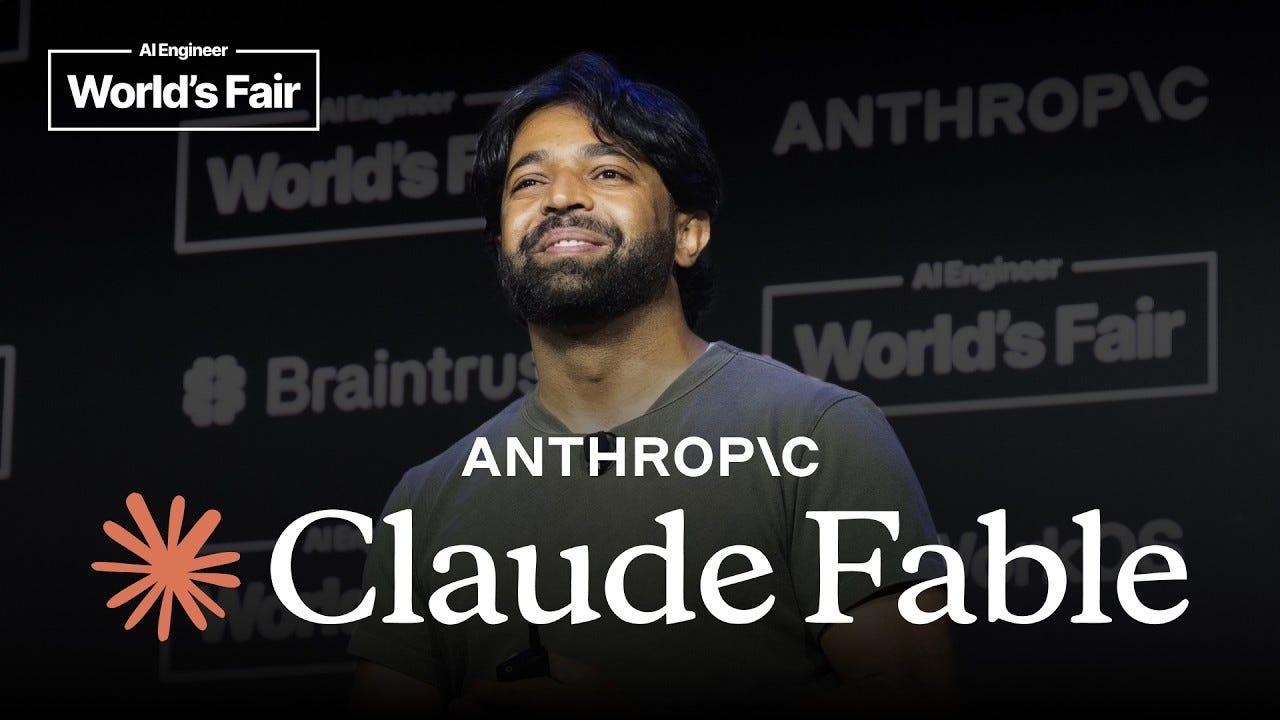
The moment that sold me came when I fed it “Field Guide to Fable”, a talk by Thariq Shihipar at Anthropic about why capable AI agents need you to surface your unspoken decisions before they build. Watch & Learn turned it into a skill called find-your-unknowns. I wired that skill to fire automatically right before my assistant presents any plan. Weeks later, while the assistant was planning the Watch & Learn repository itself, the hook fired and made it stop and check for unknowns first. The lesson from the video did its job on the project that ships it. I sat there grinning at a terminal.
I still love video, maybe more than before, because building this forced me to articulate why: it carries things text can’t. The difference is that now the good ones don’t evaporate a month later. The question I’ve been asking friends since, and I’ll leave it with you: which video actually changed how you work, and what would it mean to keep it? If one comes to mind, send it my way. I’d love to see what it turns into.
Peace out! ✌🏽
Note — the tool is open source and free: Watch & Learn on GitHub. If you use Claude Code, installing it is two commands:
/plugin marketplace add axel-pm/watch-n-learn/plugin install watch-and-learn@wnlIf you try it and it’s useful, a star on the repo helps other people find it.
P.S.: Huge thanks to my friend Dave Killeen for sending me down a bunch of rabbit holes. More about these soon… 🐇